What Every Parent Needs to Know About Social Platforms
How the most popular platforms actually work for kids — what’s normal, what’s risky, and which settings matter most.
Read the full guide →Raise screen-smart kids with confidence — real guidance from digital forensics and K–12 insight.
Practical, age-aware guidance for parents navigating the digital maze — from the first tablet to the first car, without turning into the phone police.
Safe Screens Weekly is a parent-first resource that turns tech overwhelm into a clear, calm plan.
We translate complex online risks into everyday steps, so you can set guardrails, coach digital judgment, and keep family trust intact.

I’m Matt McBride — a Police Technology and Digital Forensics Specialist who’s spent years working at the crossroads of technology, child safety, and education. Every day, I see both sides of the digital world: the remarkable ways it connects and empowers kids, and the subtle, persistent risks that can quietly erode safety and trust.
My background in digital forensics and K-12 school policing gives me a front-row seat to how quickly online trends shift, how scams and predators evolve, and how hard it can be for parents to keep up. I’ve worked hands-on with devices, networks, and investigations, translating complex digital evidence into practical action — experience that fuels everything behind Safe Screens Weekly.
I built this project because parents deserve tools that make sense, not jargon or fear. Safe Screens Weekly exists to bridge the gap between technical know-how and family reality — giving you clear, age-appropriate strategies to guide your child confidently through the digital age.
New guides and breakdowns to help you protect your kids this week.
Understanding these digital challenges is the first step to protecting your family and improving your child’s online safety.
Content spirals designed to maximize watch time.
Strangers, impersonation, grooming, and ambiguous 'friend' requests.
Violent, sexualized, or age-inappropriate media.
Doxxing, oversharing, location trails, metadata.
Dark patterns, loot boxes, phishing, "free" that isn't.
Late-night scrolling, constant notification pull.
Everything in our Playbook includes age-by-age guidance.
These common challenges make digital parenting feel overwhelming.
Every app has its own parental controls.
Features, trends, and slang change weekly.
Rules without buy-in become cat-and-mouse.
Not enough time to configure every device.
Monitoring that doesn't damage the relationship.
Different rules outside your home network.
These are the essential guides every parent should read first.
How the most popular platforms actually work for kids — what’s normal, what’s risky, and which settings matter most.
Read the full guide →
A no-drama look at the apps that actually matter — and the red flags that help you stop worrying about the rest.
Read the full guide →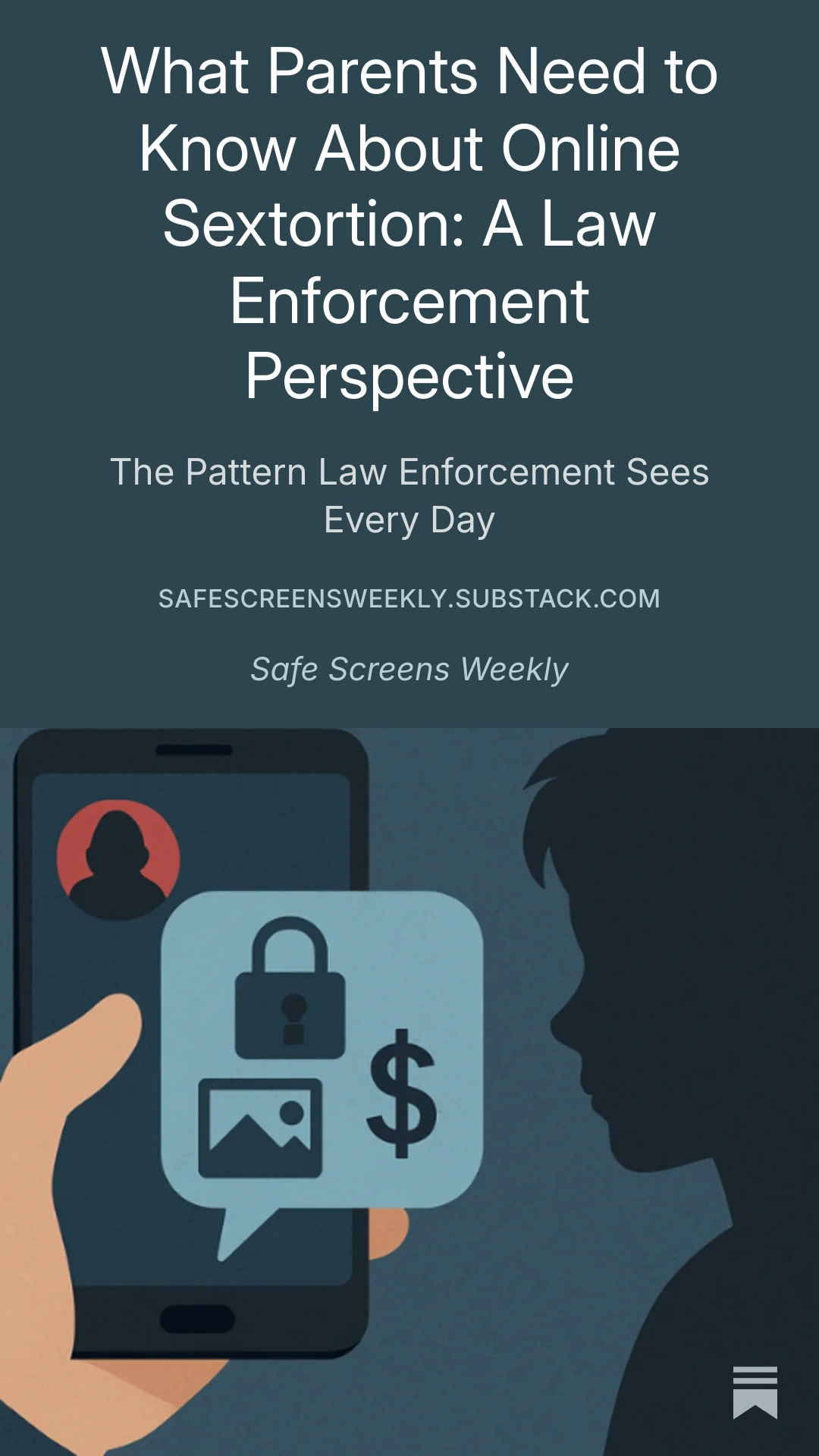
From school policing and forensics — how sextortion actually starts and why “just block them” isn’t enough.
Read the full guide →Ten actions you can complete in one weekend.
Age-by-age roadmaps, conversation scripts, configuration checklists, and red-flag patterns.
The 2026 Safe Screens Playbook is nearly here! Join the newsletter to get early access and launch updates as soon as it’s released.
Our materials cover ages 5-18, with specific guidance for elementary, middle, and high school stages.
We update our Playbook annually and send weekly updates to subscribers, through Substack, about new threats and trends.
Set a monthly “tech tune-up” reminder to review screen time, new apps, and privacy updates. Think of it like changing the batteries in a smoke detector — quick, routine, and essential.
One clear, practical email each week to help you keep your kids safer on Roblox, Instagram, and everything in between — without becoming the tech police.
Subscriptions are managed through Substack. You can unsubscribe any time.